Wan AI Video Workflow: From One Story Idea to a Coherent Short
A practical Wan AI video workflow for turning a story idea into characters, shots, prompts, generated clips, and a finished edit without losing continuity.
TL;DR
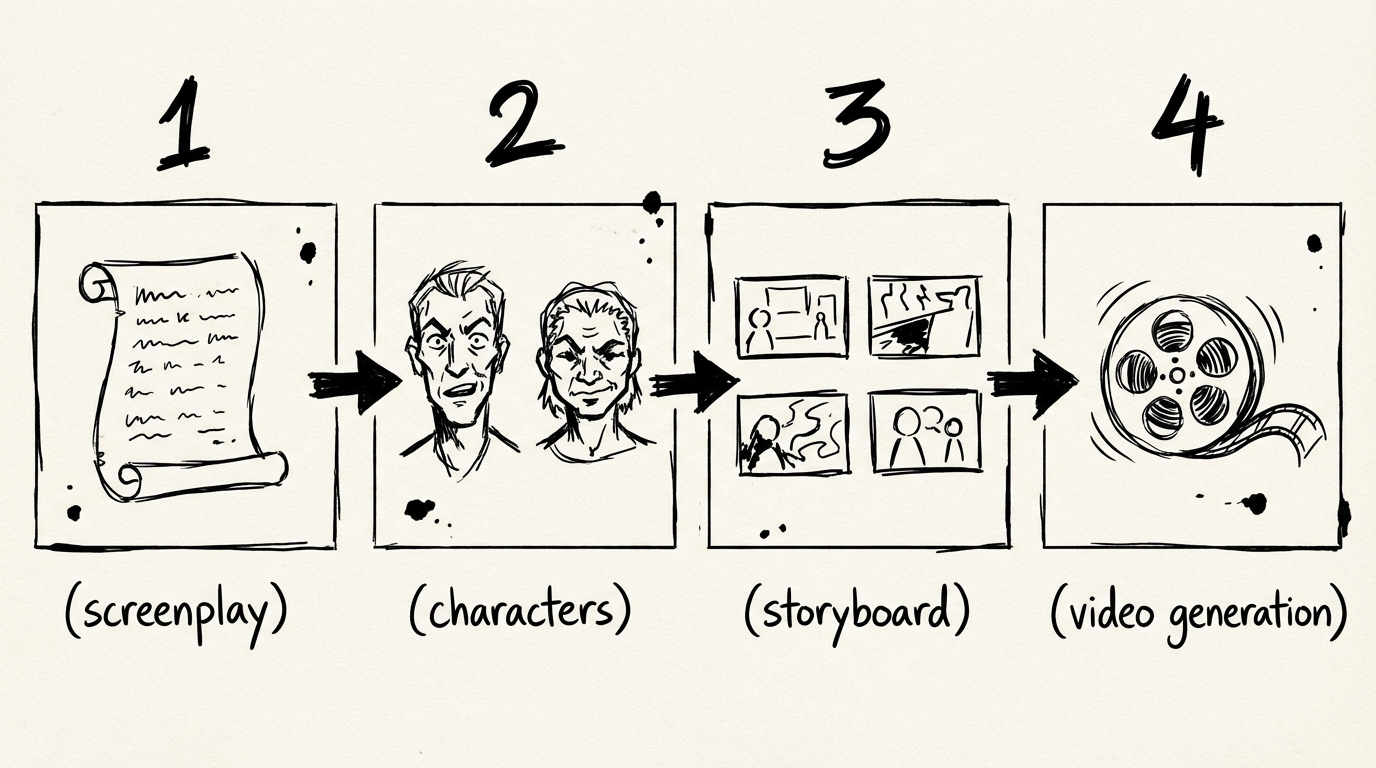
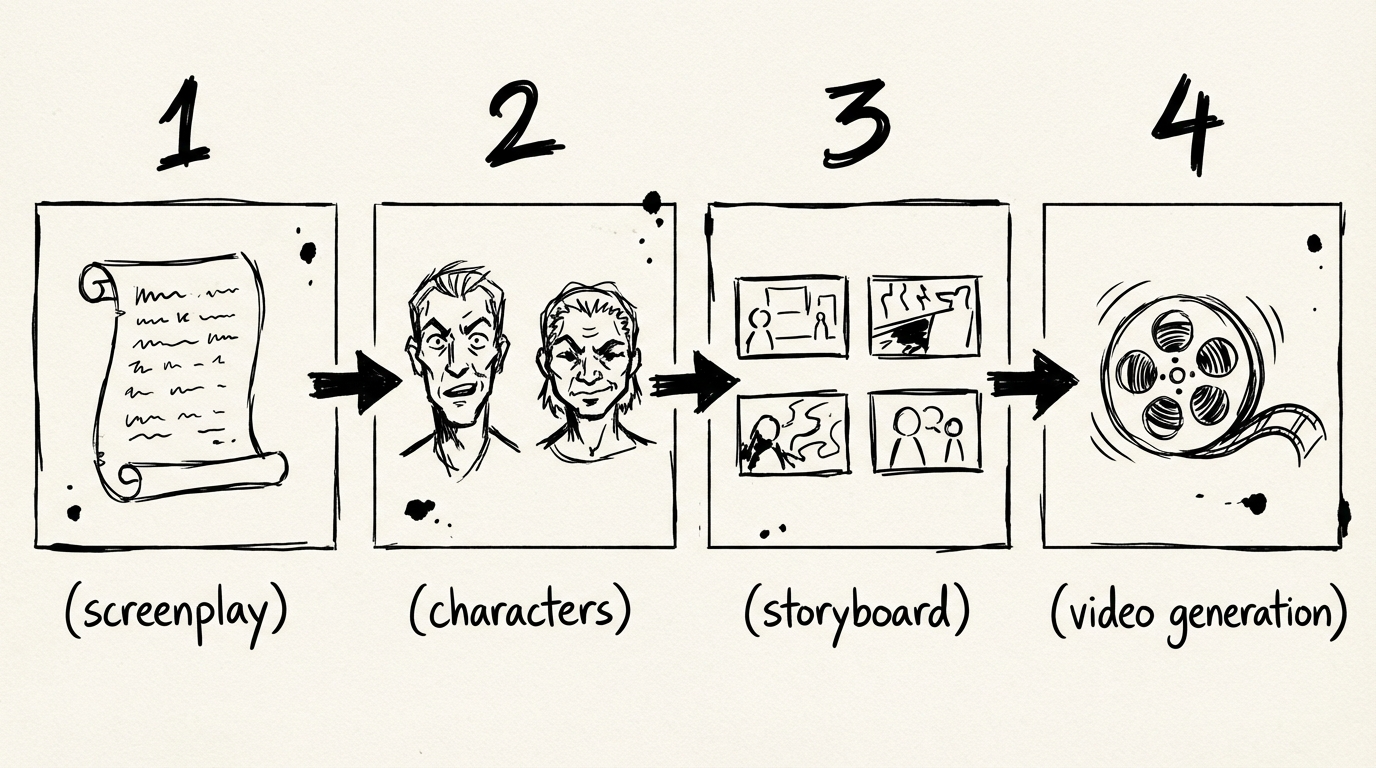
A Wan AI video workflow works best when the story is split into small shots before generation. Define the character, write a shot list, create clips one at a time, and edit the selected results into a finished sequence.
- ✅ Use this workflow if: you are making a short film, product story, ad, or vertical social video
- ✅ Plan before generating: story goal, character details, shot purpose, and continuity anchors
- ❌ Do not rely on one long prompt if: every scene needs a different action, angle, location, or emotional beat
Why does a Wan AI video need a workflow?
Video generation gives you a clip. A short film needs a sequence of clips that still feels like one piece of work.
When a whole story is placed into one prompt, the model has to decide where to start, which action matters, how the camera should move, and what should remain consistent. The result may contain attractive moments, but those moments can be difficult to edit together.
The practical fix is simple. Treat each generation as one shot with one job. Keep the story decisions in a shot list, then write a focused prompt for each shot.
Start with the story goal
Write the idea in one sentence before opening a generator. The sentence should describe a change.
A florist records one last delivery before closing the shop and discovers the address belongs to her childhood home.This gives the short a direction. The first shots can establish the shop and the delivery. A later shot can reveal the address. The final shot can show the decision that follows.
Do not begin with camera vocabulary. Decide what the viewer needs to understand first. Camera instructions are easier to write after the story has a clear beat.
Build a small character card
You do not need a novel about the character. Keep the details that affect the image.
| Field | Example |
|---|---|
| Role | Florist making the final delivery |
| Age range | Woman in her early thirties |
| Hair | Short dark bob |
| Clothing | Olive work jacket, cream shirt, canvas apron |
| Key prop | Small blue envelope |
| Emotional movement | Tired, then surprised, then uncertain |
Repeat the stable details in every relevant shot. The point is not to make every prompt identical. The point is to give each prompt the same visual anchor.
Turn the story into a shot list
For the example above, a compact shot list could look like this.
| Shot | Purpose | Image and action | Camera |
|---|---|---|---|
| 1 | Establish the place | Florist closes the shop as evening light fades | Wide static shot |
| 2 | Introduce the delivery | She checks the blue envelope beside the flowers | Medium push in |
| 3 | Reveal the clue | The address on the envelope matches an old photograph | Close-up, slow pan |
| 4 | End on a choice | She stands outside a familiar house and raises her hand toward the bell | Rear tracking shot |
Each shot has a different purpose. Shot 1 gives the viewer a place. Shot 2 gives them an object. Shot 3 changes what the object means. Shot 4 leaves the character at a decision.
This list is also a useful budget check. You can decide which shots need several variations and which ones can be simple transitions before spending time on generation.
Write one prompt for each shot
The shot list holds the story. The prompt holds the camera brief.
Wide static shot. A florist in an olive work jacket and cream shirt closes a small neighborhood flower shop at dusk. Bouquets are visible through the glass, and the street outside is nearly empty. Keep her short dark bob and canvas apron consistent. Soft evening light, quiet realistic movement, no dialogue.The second shot can move closer without retelling the entire story.
Medium shot. The same florist places a small blue envelope beside a bundle of white flowers on the counter, then studies the address for a moment. Slow push in. Preserve her olive work jacket, cream shirt, short dark bob, and the envelope's blue color. Warm shop light, paper movement and distant traffic, no music.The prompts share the character anchors and change the shot purpose. That makes later revisions more controlled.
Generate drafts before final clips
The first generation is information. It tells you whether the shot is understandable, whether the action fits the frame, and whether the character details survive.
For each shot, check three things.
- Can you tell what the shot is about within the first second?
- Does the main action finish inside the clip?
- Can this shot sit next to the previous one without a sudden change in place, costume, or light?
Keep the useful versions and record why they work. If a clip has the right action but the wrong framing, revise the camera sentence. If the framing is strong but the character changes, reinforce the character anchors. Avoid rewriting the entire prompt after every failed attempt. You want to know which change helped.
Protect continuity during editing
Continuity is more than a character's face. Watch the prop, hand position, direction of movement, light source, and geography of the scene.
| Continuity anchor | Question to check |
|---|---|
| Character | Does the clothing and hairstyle stay recognizable? |
| Prop | Is the blue envelope in the expected hand or location? |
| Movement | Does the character leave the frame in a direction the next shot can continue? |
| Light | Does the time of day change without a story reason? |
| Space | Does the viewer understand where the character is standing? |
If two generated clips do not connect, a short cutaway can help. Show the envelope, the shop sign, the hand reaching for the bell, or another detail that gives the edit a clean place to turn. You do not have to force every clip to carry a full story beat.
Finish the short outside the generator
The model can create the raw shots. The finished piece still needs editorial choices.
Select the clips
Choose clips that communicate the story quickly. Do not keep a beautiful shot if it makes the next shot harder to understand.
Build the rough cut
Place the clips in story order and trim the starts and endings. The first pass is about rhythm and clarity.
Add sound and text
Use dialogue, room tone, music, subtitles, or sound effects only when they help the viewer follow the action. Keep the sound plan consistent with the visual tone.
Export a review version
Watch the whole sequence on a phone if it is meant for a vertical feed. Check the first three seconds, the transitions, and the final frame before making a high-quality export.
Try a Wan AI video workflow
Start with one four-shot idea in the Wan video generator. Keep the story small, save the prompts beside the clips, and revise one shot at a time. The same planning method can support current Wan workflows and future model updates without relying on unconfirmed Wan 3.0 specifications.
Related Reading
- Wan 3.0 Official Release Status — Check which Wan information is officially documented
- Wan AI Video Prompt Guide — Write clearer prompts for each shot
- Wan2.7 video generator — Explore the current Wan video experience
FAQ
Disclosure
The florist story and shot list are an editorial example, not a user case or a claim about a generated result. The workflow is a practical planning method for Wan-family video creation. It does not claim unverified Wan3.0 duration, resolution, audio, reference, or continuity features. Model-status references were checked against the Wan-Video GitHub organization, the Wan-AI Hugging Face organization, and Alibaba Cloud's Wan2.7 API reference on August 6, 2026.
執筆者

記事カテゴリ
その他の記事
Wan AI Video Prompt Guide: Turn a Simple Idea Into a Usable Shot
Learn how to write Wan AI video prompts with clear subjects, actions, camera direction, lighting, and constraints. Includes reusable text-to-video and image-to-video templates.
Wan 3.0: What Is Officially Known and What Is Still Unconfirmed
Is Wan 3.0 officially released? We checked Wan's official repositories, Hugging Face organization, and Alibaba Cloud API docs to separate confirmed facts from third-party claims.